What Experts Need Before Launching a Book
Most authors treat their website like a digital business card - a place to park a bio and a headshot. That approach leaves money, readers, and opportunities on the table. Author website design is the process of building a strategic site that works as a marketing engine before launch and an authority platform long after publication day. Whether you're a debut author getting ready for a first book launch, a mid-list author managing a series, or an executive or expert using a book to win speaking and media opportunities, the right site can support book sales, email growth, credibility, and long-term discoverability.
This guide walks through how to define your website goals, choose the right platform and hosting, map the site, and build the pages that matter most - including the homepage, book pages, About page, speaking and media pages, and launch funnels. It also covers conversion-focused design, branding, images, mobile responsiveness, site speed, SEO, DIY versus professional design, and the ongoing maintenance that keeps an author site effective over time.
1. Define the real job of your author website (before you touch design)
Before you open a design tool or pick a color palette, get clear on what the site must accomplish. An effective author website should serve as the central hub of your digital presence - not a static brochure you publish once and forget.
Every author website needs to do five things:
- Sell more books (directly or through retailer links)
- Grow an email list of engaged readers
- Book speaking gigs and professional appearances
- Attract media coverage and podcast invitations
- Position the author as a long-term authority in their space
The weight you give each goal depends on who you are. A debut nonfiction author preparing a 2026 launch might invest heavily in email capture and pre-order campaigns. A mid-list romance author with a book series will focus on backlist discovery and community. A high-profile executive or expert may prioritize speaking inquiries and media credibility as much as direct book sales.
Goals also shift with timing. Before launch, the emphasis is on building anticipation - collecting email addresses, sharing teasers, and driving pre-orders. After launch, priorities move to conversions, collecting reviews, and producing more posts that fuel search engine optimization over time.
Every design choice - colors, layout, images, navigation labels - must serve one or more of these goals. This article comes from Masterly Tech Group's perspective: we build author website design projects as strategic launch funnels and long-term platforms, not quick template jobs.
2. Choose your platform, web host, and domain like a pro
Three decisions form the technical foundation of your author site: your domain, your web host, and your content management system. Getting these right early saves expensive rework later.
Domain name. When choosing among domain names, pick one based on your author name, not a book title. Books come and go; your name is your career. Good examples: janedoe.com, janedoeauthor.com, janedoebooks.com, and the extension usually has little effect on rankings unless you are targeting a specific country. Avoid using book titles for your domain name because you will likely publish more books. If your author name is already taken, try variations like yournameauthor.com or yournamewriter.com. Using .com domains is preferred for better traffic and reader trust.
Web host. A reputable web host with SSL, daily backups, fast support, and strong uptime (99.9%) is non-negotiable in 2026. Misconfigured hosting or slow load times are among the top causes of bounce and failed conversions. Look for a hosting plan that includes a global CDN and automatic security updates.
CMS platform. A basic site on a drag-and-drop platform like Squarespace or Wix can work for authors who need a simple catalog fast - typically $200–500 per year all in. The tradeoff is limited control over search engine optimization, speed tuning, and launch funnel complexity. A WordPress site offers deeper customization, plugin-powered e-commerce, and content scaling capacity, typically running $500–2,000 per year with quality hosting and themes.
Masterly Tech Group typically builds on WordPress for book launch website projects and long-term content strategies, but we integrate with other systems when an author already has them in place. The right platform depends on budget, technical comfort, expected website traffic, and how many books you plan to add over time.
3. Plan your site map: essential pages every author website needs
Think of your site map as a blueprint. Maintain a simple site structure to improve user experience - not a sprawling directory of every idea you have ever had.
Essential core pages:
- Homepage
- About
- Books (or Works)
- Contact
- Email Signup / Landing Page
- Media / Press
Important additional pages:
- Speaking
- Resources or Blog (for more posts and evergreen content)
- FAQ for readers and event organizers
- Dedicated Book Launch Page
Every author website should have a clear About page, include a Books overview page for all published works, and provide a contact page that is essential for reader engagement. Every author website should include a dedicated page for each book - not just a single list.
A clear navigation menu helps users find information quickly. Make navigation effortless by limiting the main menu to essential pages. Use simple, descriptive labels: "Books" instead of "My Literary Creations," "Media" instead of "Where I've Been Featured." This clarity benefits search engines, usability, and conversion tracking.
Map out user journeys before you build:
- Curious reader: Homepage → Books → Individual book page → Buy link
- Journalist on deadline: Homepage → Media page → Press kit → Contact
- Event planner: About → Speaking page → Inquiry form
When the site map reflects how people actually move through your pages, conversions follow.
4. Design a homepage that sells your book and your authority
The homepage is the most strategic page on your author website. Your homepage should convey your identity within 3 to 7 seconds - who you are, what you write, and why it matters. Structure it in distinct, scannable sections with ample white space and clear calls to action.
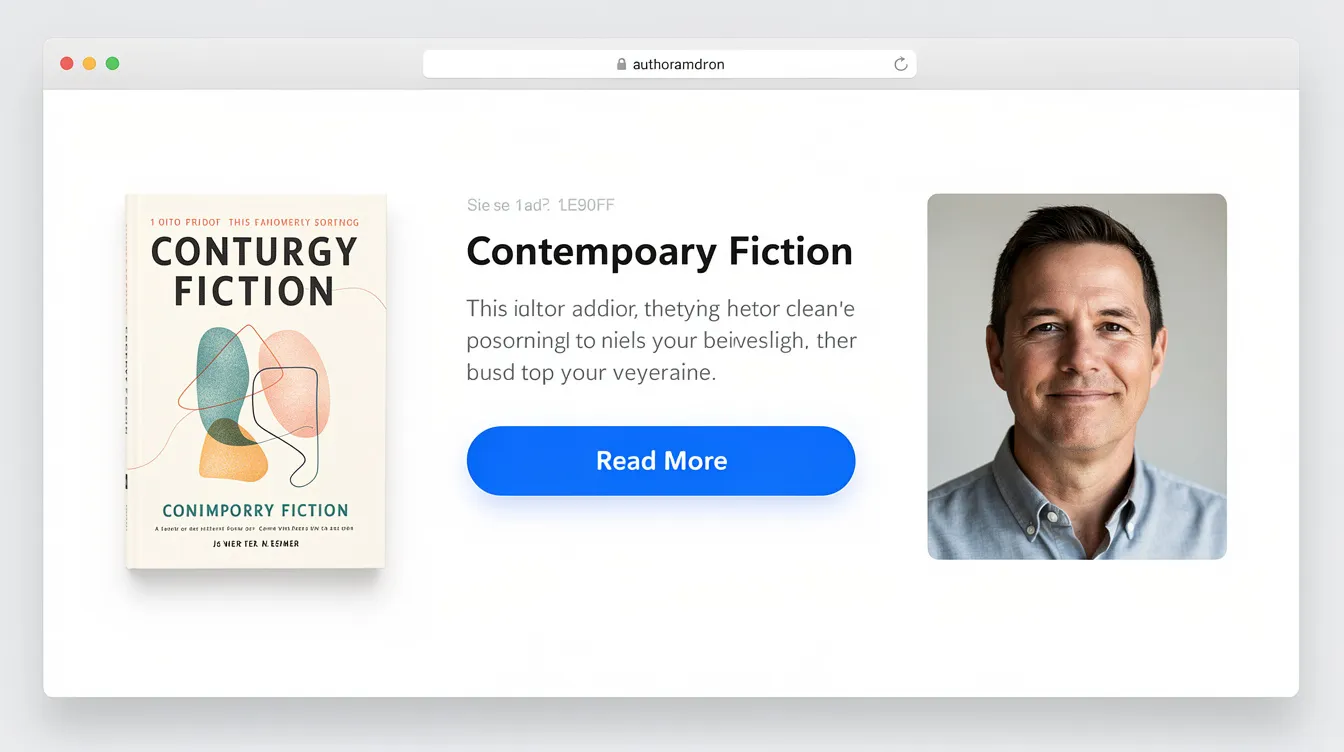
Hero section. Lead with a large cover image of your latest book or a strong author portrait, a one-sentence positioning statement, and one primary CTA. Your homepage should feature a clear call to action such as "Buy Now," "Get the Book," or "Pre-Order Today." Avoid cluttered layouts that can overwhelm visitors in this critical first impression zone.
Book blurb. Below the hero, include a short, benefit-driven brief description of your flagship or latest book. Link directly to the detailed book page and to retailer buy links. Include links to purchase books on every page of your site, starting here.
Social proof. Showcase credibility signals above or near the fold: bestseller badges, "As Seen In" media logos (New York Times, major podcasts), or notable endorsements with real names and dates. Social proof removes hesitation and gives new visitors a reason to keep scrolling.
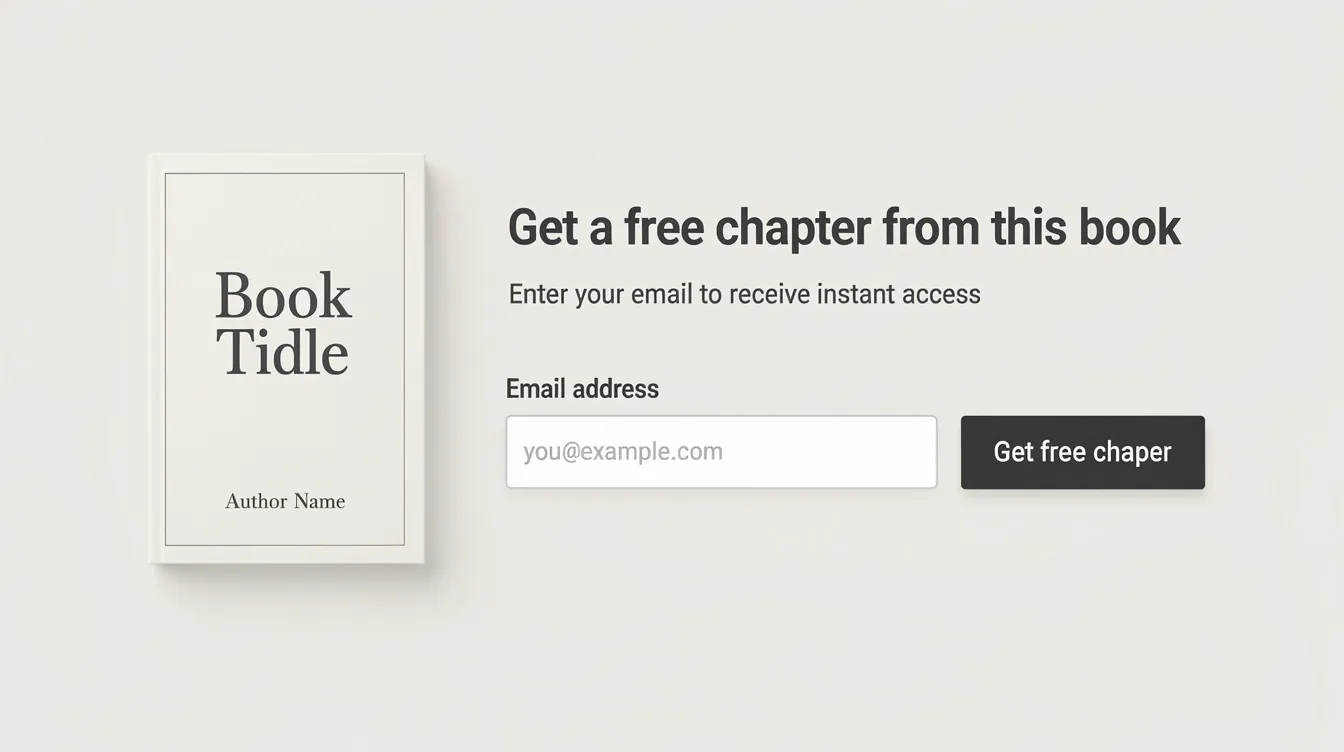
Email signup. Add a concise email capture block on the homepage with a specific, reader-focused incentive - "Download the first chapter free" beats "Join my
newsletter" every time.
Secondary navigation. Include visible links to other pages like Speaking, Media, or Events so the homepage doubles as a hub for all professional opportunities.
5. Feature your book catalog and individual book pages strategically
Your Books overview page is where readers browse your full catalog. Each book page is where they decide to buy.
Books overview page. Display each title's cover image, a 1–2 line hook, the primary category (thriller, leadership, memoir), and a "Learn More" link. This page should help visitors discover your backlist, new releases, and any book series at a glance.
Individual book pages. For each book's dedicated page, include:
- High quality images of the book cover (front, and optionally spine or back)
- Compelling back-of-the-book style copy - the kind of description that would make someone pick it up in a store
- Testimonial pull-quotes from reviewers, endorsements, or early readers
- Clear buy buttons linking to multiple retailers (Amazon, Bookshop, IndieBound, your own store)
- Signed-copy options and bulk order inquiry links for organizations, schools, and book clubs
Add bonus content on book pages to encourage email capture: reading guides, downloadable chapters, discussion questions, or exclusive bonuses for new subscribers. This turns passive browsers into active list members.
From an SEO perspective, optimize each book page for keywords around the book's topic, not just the book title. A nonfiction book on leadership should target phrases like "how to lead remote teams" - not only the title itself. Descriptive URLs help users understand page content and give search engines useful signals. For fiction, focus on themes, setting, and mood keywords that interested readers actually search for.
6. Write an About page that builds trust, not just a biography
The About page is one of the most visited pages on any author website - and most authors underuse it. Instead of a dry chronological bio, build a page that converts visitors into readers, clients, and collaborators.
Open with a short narrative that speaks directly to the reader's problem or interest. If you write leadership books, start with why leadership matters to you - not where you went to college. Then shift into credentials.
Include a professional author photo to create a welcoming first impression. A clean, high-resolution headshot is essential. Optionally, add a more relaxed lifestyle image that shows personality and context - you at a speaking event, in your writing space, or engaging with readers.
List key credibility elements with specifics:
- Awards and bestseller lists
- Notable clients, universities, or organizations
- Media mentions with years (e.g., "Featured in The New York Times, 2024")
Offer separate short and long bios on the same page. Event organizers and journalists often need a paragraph they can copy quickly for a program or article. Having both saves them time and keeps your messaging accurate.
End the page with a contextual CTA: "Explore my latest book," "View speaking topics," or "Download my media kit." The About page should never be a dead end.
7. Use high quality images, book covers, and visual hierarchy
Visual professionalism is non-negotiable in modern author website design. High-quality images elevate the professionalism of author websites, and they improve user engagement on your site. Visitors judge credibility in seconds, and blurry headshots or amateurish book covers signal "don't take me seriously."
Author photography. Invest in sharp, well-lit professional headshots. Your visual style should reflect the genre of your writing - a thriller author might use dramatic lighting and dark backgrounds, while a self-help author may favor bright, warm tones.
Book covers. Professionally designed book covers are worth every dollar. On the internet, your cover is your storefront. Show them large, crisp, and clickable.
Visual hierarchy. Design should guide the eye deliberately. Headlines in the largest font, subheadings smaller, body text clean and readable. CTA buttons should contrast with surrounding colors to draw attention. Use spacing and alignment to separate sections so visitors can scan without cognitive overload.
Technical specs for 2026. Use modern image formats like WebP or AVIF for compression without quality loss. Implement responsive sizing (srcset) and lazy loading. Keep hero images under reasonable file sizes so pages load in under two seconds. WordPress themes can be customized for better functionality, including built-in image optimization.
Accessibility matters too. Add alt text to all images and ensure color contrast ratios meet WCAG 2.1 AA standards. As Zenpage's analysis notes, many author sites fail at basics like misaligned visuals and weak mobile responsiveness - issues that quietly erode credibility.
8. Make your author website responsive, fast, and technically sound
This is the non-negotiables checklist. No amount of beautifully designed content matters if the site is slow or broken on a phone.
Over half of all website traffic comes from mobile devices. If menus, buttons, and book purchase links are not easily tappable with a thumb, conversions disappear.
The site should load quickly and be easy to read on mobile devices - this is not optional, it is baseline. Key best practices include prioritizing a mobile-responsive layout across every page.
Speed basics:
- Optimize all images (compression + lazy loading)
- Use lean plugins - remove anything you are not actively using
- Choose quality hosting with built-in caching and CDN
- Target Core Web Vitals thresholds: LCP under 2.5 seconds, FID under 100ms, CLS under 0.1
Security essentials:
- HTTPS as default (SSL certificate)
- Regular updates to themes and plugins
- Secure contact forms with spam protection
- Compliance with data privacy standards (GDPR, CCPA where relevant)
Ongoing technical hygiene. Run occasional audits - either self-managed or through a partner like Masterly Tech Group - to catch broken links, 404 errors, outdated scripts, and sitemap issues. A great site stays great only with regular maintenance.
9. Build an email list and capture readers at every stage
Setting up a mailing list is crucial for authors. It is one of the highest-impact things you can do on your website, and it should be a core design requirement - not an afterthought.
Email lists are more effective than social media for marketing. Social media platforms change their algorithms constantly; your email list is the one audience channel you fully own. A mailing list helps capture readers' email addresses so you can reach them directly for launches, backlist promotions, speaking events, and more. Direct email communication builds a stronger author-reader connection than any algorithm-mediated feed.
Where to place opt-ins:
- Homepage hero or mid-page block
- After blog posts (content readers just consumed primes them to subscribe)
- Site footer (a nice touch that catches scrollers)
- Dedicated landing pages for specific campaigns
Authors should add a subscription box on their website in multiple locations - not just one. Each page should have at least one opportunity for visitors to join your list.
Lead magnets by niche:
- Fiction: bonus epilogue, deleted scenes, character backstory
- Nonfiction: leadership checklist, worksheet, first chapter preview
- Speakers: private webinar invite, exclusive video
Address pop-ups thoughtfully. Trigger them based on scroll depth or time-on-page, not on arrival. Set frequency caps so returning visitors are not bombarded. The goal is to feel helpful, not aggressive.
Integrate with a reputable email platform (ConvertKit, Mailchimp, Klaviyo) and set up an automated welcome sequence tuned to your book launch timeline: introduction, value delivery, pre-order nudge, launch announcement, post-launch nurture.
10. Design for book sales and clear conversion paths
Every page on your author website should have at least one clear path to either buying a book or joining the email list. This is not aggressive - it is user friendly design that respects your visitor's time by making the next step obvious.
Buy button best practices:
- Prominent placement - above the fold on book pages, visible without scrolling
- Contrasting colors that stand out from the page background
- Descriptive labels: "Buy on Amazon," "Order from Bookshop," "Get the Paperback"
- Multiple retailer options so readers can choose their preferred store
Book covers should always be clickable, linking to either the detailed book page or the external store. Do not make visitors hunt for a purchase link. Include links to purchase books on every page of your site - a persistent header or footer link makes sense for this.
During launch windows, use limited-time bonuses and launch bundles to create urgency. Visually flag these near CTAs with banners or countdown timers. The Becoming the Master book site is a strong example of minimal distraction paired with clear conversion paths, letting readers quickly understand the offer and buy options globally.
Track what is working. Set up google analytics (or a comparable tool) with conversion events on email signups and outbound book sale clicks. Use tracking pixels if you run social ads. Masterly Tech Group uses this data to A/B test buttons, layouts, and messaging, refining funnels over time rather than guessing.
11. Add a speaking page and media page that win opportunities
These two pages serve fast decision-makers: event planners who need a speaker and journalists who need a source. Both pages should be structured for speed and clarity.
Speaking page. Include:
- 3–5 talk topics with signature keynote or workshop descriptions
- Ideal audiences for each talk (corporate teams, associations, universities)
- Recent speaking highlights with event names and dates
- Short video clips or reels of live talks - even 60 seconds of stage presence is persuasive
- High quality images from past events
Design a short, clear speaking inquiry form that requests only what you need to respond: name, organization, event date, type of talk, and a comments field for additional context. Fewer fields mean more submissions.
Media page. Outline required elements:
- Downloadable headshots (high-resolution, multiple orientations)
- Book cover files for each published title
- Short and long bios ready to copy
- Approved tagline and a brief description of your work
- A media kit PDF that bundles everything
Include sample interview questions, links to past coverage, and direct contact details so journalists can move quickly on tight deadlines. A well-built media page is the difference between getting featured and getting passed over.
12. Plan launch-specific pages, funnels, and timelines
A dedicated book launch page is separate from your permanent book page. It is a time-bound, campaign-focused landing page designed to convert during the 60–90 days surrounding your release.
Launch landing page structure:
- Compelling hook headline
- Book cover front and center
- Key benefits or transformation the book delivers
- Blurbs and testimonials from advance readers or endorsers
- Pre-order or order buttons with clear retailer links
- Bonus explanation (what readers get for ordering now)
This page becomes the central URL you share in podcasts, guest posts, social media campaigns, and email blasts. Every promotional mention should drive traffic here - not to a retailer directly and not to your general homepage.
Pre-launch strategy. Months before publication, build a separate early interest or waitlist page. Collect email addresses for cover reveal announcements, exclusive previews, and launch-day alerts. This is how you build momentum before you have a published book to sell.
Funnel integration. Connect your launch pages to email sequences:
- Cover reveal announcement
- Pre-order window opens
- Launch week push (bonuses, urgency)
- Post-launch nurture (reviews, thank-you, backlist)
Masterly Tech Group maps these funnels so the website, email platform, and retailer pages all support a single, coordinated launch strategy. The goal is that no visitor falls through a crack between your site and your email list.
13. Use SEO and ongoing content to grow beyond launch day
Launch week generates a spike. Search engine optimization generates a slope - steady, compounding traffic that brings in new readers, event planners, and journalists for months and years. SEO helps search engines understand your content and surface it for the right queries.
Content strategy. Build a simple plan for more posts: 2–4 high-quality blog or article pieces per month tied to keyword themes your audience actually searches for. A leadership author might write about "how to run effective board meetings." A fiction author might post about the historical period or setting of their novels. Regularly update a blog or news section to keep content fresh and give search engines a reason to re-crawl your site.
Here are a few practical tips to improve visibility with the basics below.
On-page SEO essentials:
- Descriptive page titles and meta descriptions
- Proper heading structure (H1, H2, H3)
- Internal links between related pages and posts
- Relevant keywords used naturally, not stuffed
Write content that answers real questions people search for in 2026. Use keyword research tools like Semrush or Ahrefs to find what readers are searching around your topic - not just your book title. Google takes weeks to reflect changes in search results, so patience and consistency matter more than any single post.
Linking to relevant resources enhances site credibility and supports your authority. Track which posts lead to email signups or book clicks using analytics, then refine your editorial focus based on what the data shows. The best-performing author sites treat their blog as an investment, not a chore. As Kindlepreneur's updated guide highlights, content strategy is essential beyond aesthetic.
14. Weave in personality and consistent branding
Your author website should feel like you - not a generic template with your name pasted on top. But personality should never come at the expense of the most important things your branding needs to preserve: clarity, professionalism, and easy next steps for readers.
Visual brand system. Choose a color palette, typography set, and imagery style that aligns with genre and audience expectations. Dark palettes and stark contrasts work for thrillers. Warm, open layouts suit memoir and self-help. Professional tones with clean lines fit business nonfiction. The goal is a beautifully designed site that also feels authentic.
Concrete personality touches:
- Voice in microcopy (button text, error messages, footer taglines)
- Anecdotes and behind-the-scenes stories on the About page or blog
- A recurring newsletter theme that readers look forward to
- A video introduction on the homepage - a nice touch that builds connection
Avoid over-designed or overly clever interfaces that confuse visitors or obscure CTAs, especially on mobile. If a user cannot find the buy button, personality does not matter.
Include links to social media profiles to encourage reader interaction and provide a simple contact form to enable easy communication with readers. Align your website's personality with your book covers, social media presence, and speaking style for a unified brand across every touchpoint.
Masterly Tech Group typically builds a simple visual style guide during author website design projects - covering typography, color palette, image treatment, and button styles - so future updates stay consistent without a designer in the room.
15. Decide when to hire an author website designer vs. DIY
This is a practical money and time question, not a philosophical one.
DIY makes sense when:
- You are an early-stage fiction author with a single title
- Your budget is limited and your launch stakes are modest
- You need a basic site - a few pages, a blog, a contact form
- You have time to learn the platform and handle your own updates
The learning curve with modern builders (Squarespace, Wix) is manageable. But expect limitations on advanced search engine optimization, page speed, and funnel complexity. Most authors who start DIY hit walls when they try to scale - adding more books, building launch funnels, or optimizing for conversions.
Hiring a professional author website designer makes sense when:
- You are a nonfiction expert, executive, or speaker with high-value opportunities at stake
- Your launch budget is significant and ROI matters
- You need a book launch website with integrated email funnels, tracking, and conversion paths
- You want the site to support services, courses, or consulting beyond the book
With a strategic partner like Masterly Tech Group, expect a full process: discovery to define your message and audience, wireframes, UX decisions, copy collaboration, integration setup (email, analytics, retailer links), and launch funnel architecture.
When vetting website designers, check their past author websites on mobile. Test load times. Ask whether they understand publishing timelines - advance reviews, pre-orders, coordinating with a publisher. Ask about their maintenance plan. The perfect author website is not a one-month project; it is a multi-year investment in authority, income, and professional life. Think beyond launch month. The company you choose should too.
16. Maintain, measure, and evolve your author website over time
A published site is not a finished site. The authors who sustain momentum treat their website as active infrastructure, not a set-it-and-forget-it project.
Quarterly checklist:
- Update speaking dates and event listings
- Add new media mentions and press links
- Refresh testimonials and endorsements
- Archive outdated promotions or expired bonuses
- Check that all buy links still work
Metrics to track:
- Email list growth (new subscribers per month)
- Traffic to book pages and blog posts
- Contact form and speaking inquiry submissions
- Book sales where trackable (affiliate links, Bookshop trackbacks)
Great advice from experienced authors: tie content refreshes to timely events - the anniversary of your book's release, a new edition, a relevant cultural moment. If you hope to sell more books over time, give people a reason to visit your site more than once.
Design refreshes every 2–3 years are normal as web standards and aesthetics evolve. But your core site structure, messaging, and brand can remain stable and be incrementally improved. Adding a new title to a well-organized Books page should take an afternoon, not a redesign.
Masterly Tech Group often supports authors beyond launch with ongoing optimization, content strategy, funnel refinement, and the addition of new books. The goal is a perfect author website that grows with your career - not one that peaks on release day.
Ready to build an author website that works before, during, and after your launch? Plan an author website and launch funnel with Masterly Tech Group. We will help you create a site that sells books, wins speaking opportunities, attracts media, and compounds your authority for years to come.